Overview
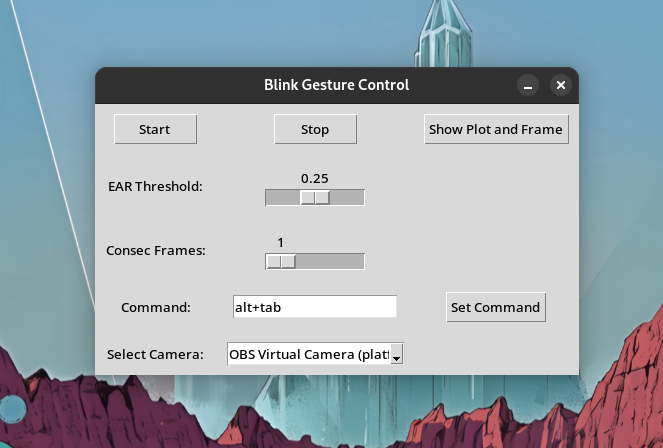
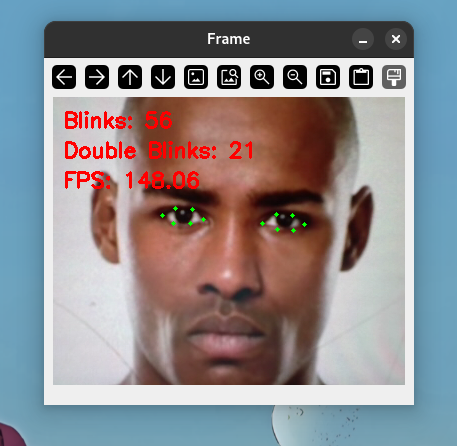
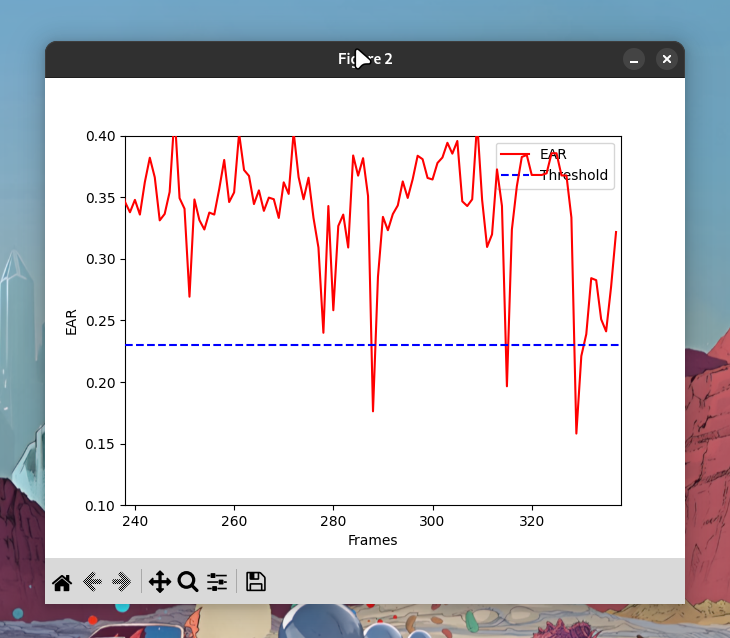
BlinkGesture is a desktop tool that lets you control your PC using eye blinks. Powered by Python, it uses OpenCV and dlib’s facial landmark detection to calculate Eye Aspect Ratio (EAR) and maps left/right blinks to keyboard actions like arrow keys or other inputs. Great for hands-free navigation, accessibility, or experimenting with computer vision.
Latest Release (v1.0.1)
- Native Linux AppImages
- Removed unsafe code
- Switched to pyautogui for keyboard inputs
Download
How It Works
- Uses OpenCV to access webcam
- Detects facial landmarks via dlib
- Computes EAR in real-time
- Blinks mapped to keyboard actions using pyautogui
Tech Stack
- Python 3
- OpenCV – webcam input & image processing
- dlib – facial landmark detection
- pyautogui – simulate keypresses
Installation (Python)
git clone https://github.com/allanhanan/BlinkGesture.git
cd BlinkGesture
pip install -r requirements.txt
python main.py
Use Cases
- 🧠 Accessibility: hands-free navigation
- 🎮 Gaming: blink to trigger in-game controls
- 🖥️ Presentations: navigate slides
- 📱 Mobile control: mirror phone & blink to interact
Limitations & Notes
- Needs good lighting for accuracy
- Works best with a stable webcam feed
- Doesn't yet support continuous blink/hold
- Plans: blink-and-hold, more OS support
Comments